Tip on the subtotal
Your tip uses the pre-tax subtotal when the bill provides one.
Tip and bill-split calculator for iPhone
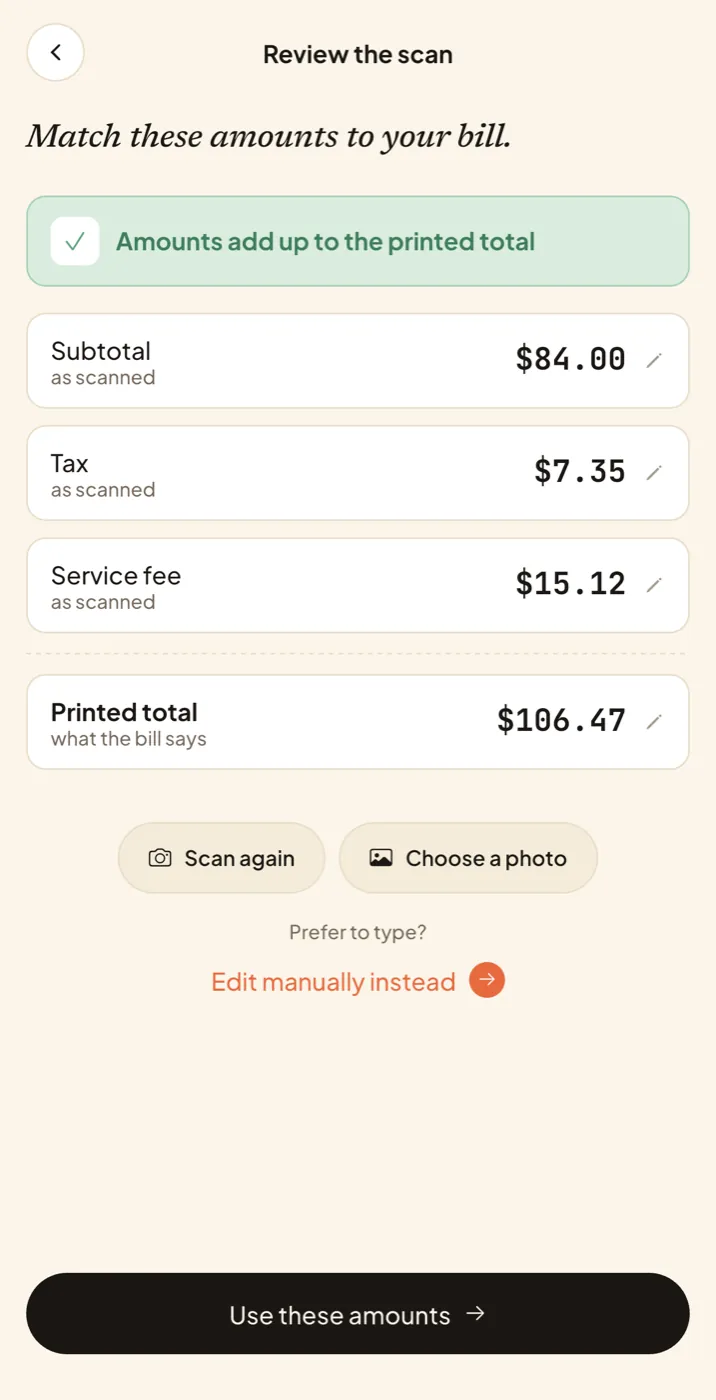
Scan the receipt or type it in. Owesum works out the tip and each person’s share.

 Free · No account needed
A working preview of Owesum’s results screen, using example figures.
Inside the app
Your tip uses the pre-tax subtotal when the bill provides one.
Check the service fee before deciding whether to add more.
See what the others owe you and what your own share comes to.
How it works
Privacy
There’s no account to create and no name or email to provide.
Receipt recognition runs on your phone, so receipt images are never uploaded. Your bills stay on your phone unless you share them.
Scan, review, tip, and split with no internet connection.
Owesum is free and supported by ads. It uses limited analytics and crash reporting to improve the app. The Privacy Policy has the details.